
How to Replace a Word Using Voice Commands on iPhone and Android
JT
Introduction to Voice Commands
Voice commands have revolutionized the way we interact with our smartphones. Whether you're using an iPhone or an Android device, replacing a word using voice commands can be a quick and efficient way to edit text. This guide will walk you through the steps for both platforms, making your text editing process seamless and hands-free.

Using Voice Commands on iPhone
Activating Siri
To replace a word on an iPhone, you'll first need to activate Siri. You can do this by holding the side button or simply saying, "Hey Siri." Once activated, Siri is ready to take your commands.
Replacing a Word
With Siri active, navigate to your text. Say, "Replace [old word] with [new word]." Siri will process your command and make the necessary changes. This feature is particularly useful for correcting typos or updating information quickly.
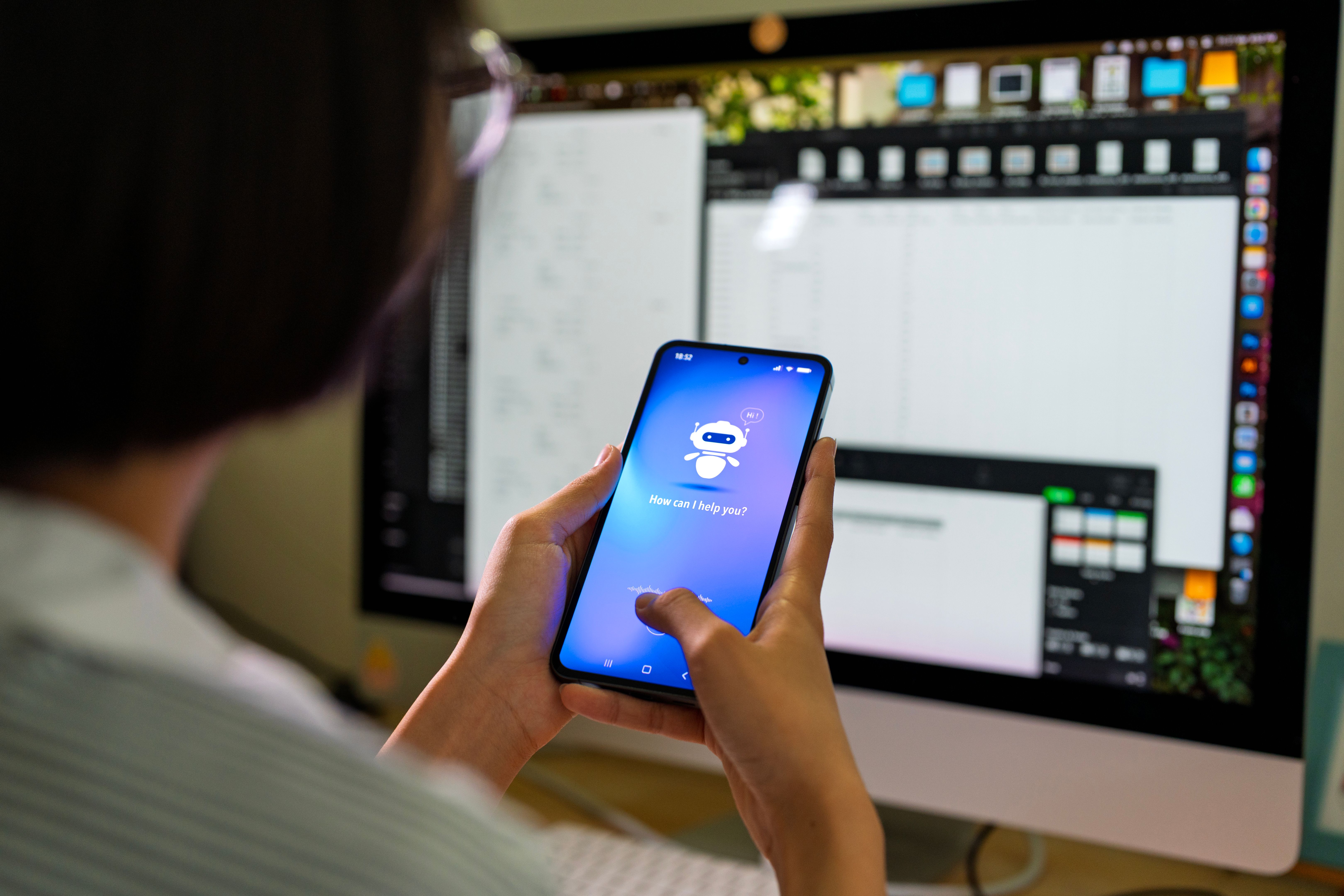
Using Voice Commands on Android
Activating Google Assistant
For Android users, Google Assistant is the equivalent of Siri. Activate it by saying "Hey Google" or holding the home button. This will prepare your device to receive voice commands.
Executing the Replacement
Once Google Assistant is ready, you can say, "Replace [old word] with [new word]" in your desired text field. Google Assistant will apply the change efficiently. This is perfect for making quick edits while on the go.

Tips for Effective Use
- Clear Articulation: Speak clearly to ensure your device understands the command.
- Context Awareness: Make sure the text field is active before issuing the command.
- Practice: Familiarize yourself with voice commands to increase speed and efficiency.
Limitations and Considerations
While voice commands are powerful, they do have limitations. Ensure that the environment is quiet enough for your device to catch your voice accurately. Additionally, some accents or speech patterns may require adjustment for better recognition.
Conclusion
Replacing a word using voice commands on your iPhone or Android can significantly enhance your productivity. By mastering these steps and tips, you can edit text swiftly and effortlessly. Embrace this technology to keep up with the fast-paced digital world.